Global design is a great place to start editing.
The basics
This is where you'll be able to set default options for things such as text, button colour, backgrounds and more, all of which will immediately apply across the site. This allows you to set a design once and then forget it.
In the side panel, click design. Here you can see that it's possible to make global changes to text, buttons, images, rows, site background, and site navigation layout. In each of these options, you can make several changes that will affect all pages.
Global text & images
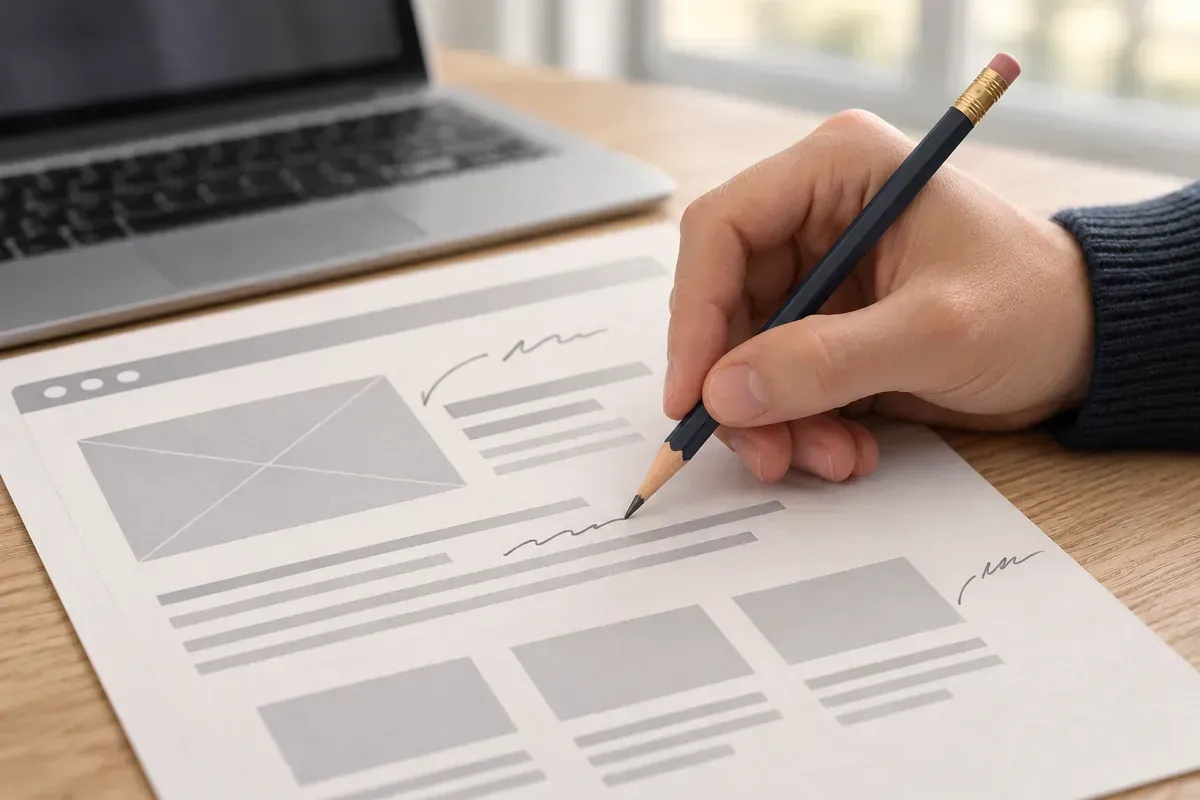
Global text is where you can change font families, colours, alignment, and size of paragraphs and site titles. Global buttons allows you to customise the colours, shapes, and overlay effects of the site's buttons. Global images is where you can choose the format and borders of images displayed on the site. Global rows allows you to define the row's design, in terms of background colour, default spacing, and column spacing.
Site background & layout
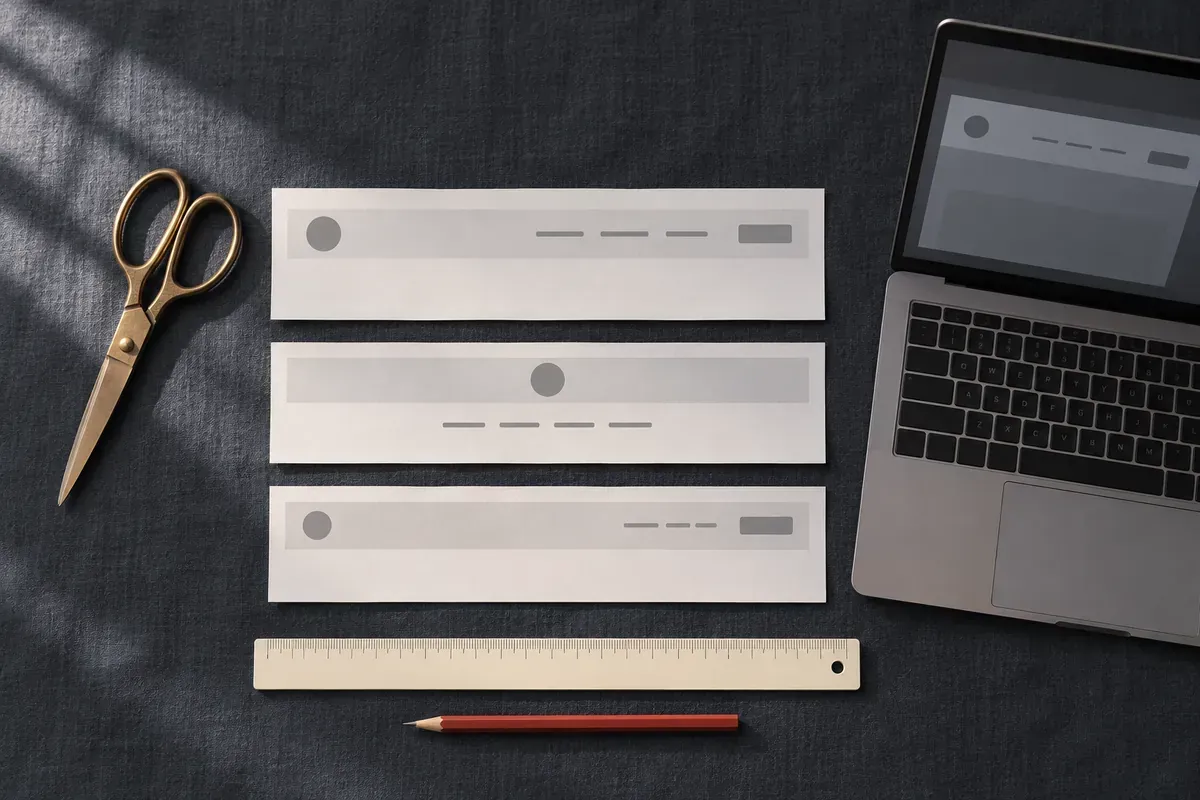
Site background allows you to choose a solid colour or image as the background for your website. Here you can choose to change just one or more pages, or make the change to the entire site at once. Site layout is where you can choose the navigation style for desktop, tablet, and mobile.
Be cautious with changes
Be careful when going through these settings, as changing a single option will change all the pages on the site that contain that type of element. You can always override default settings by making design changes to specific elements.