
Managing your website content
Prefer to watch? Follow along with the video on our YouTube channel.
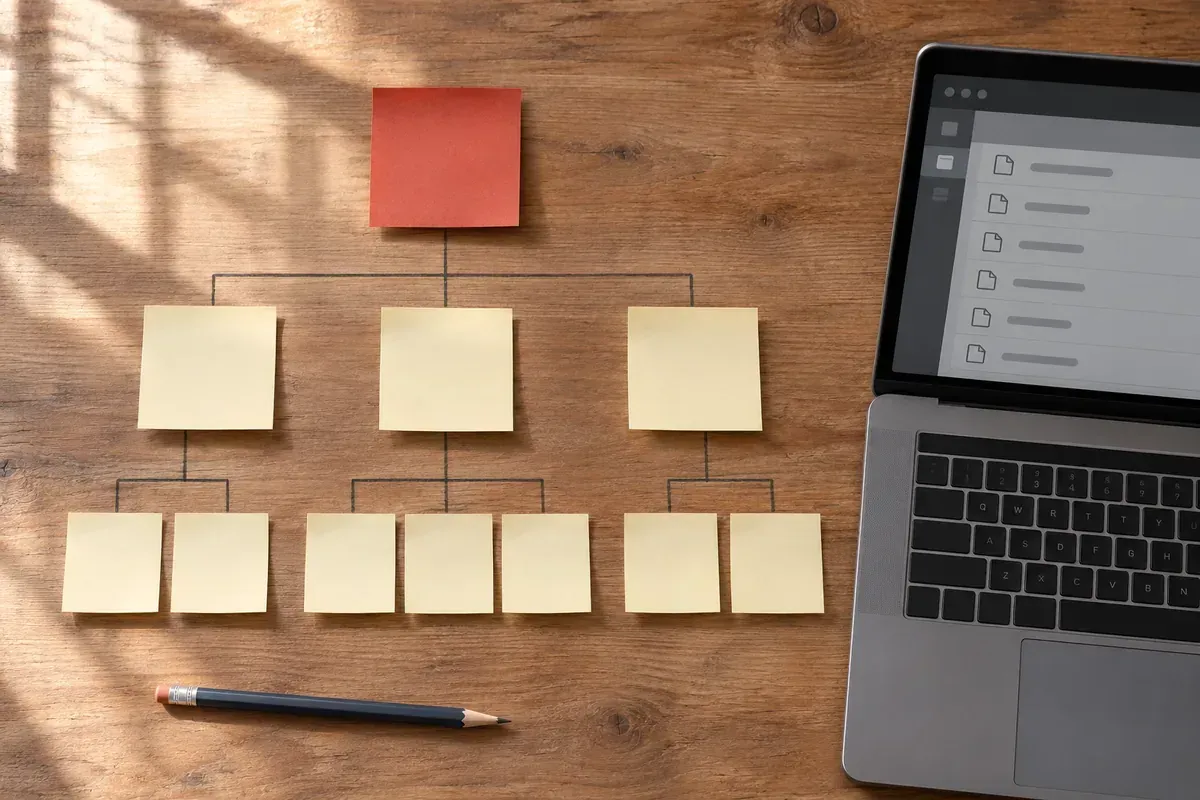
The Content Library provides a place to store and retrieve images, files, and information for your site.
Adding content
To add content, click Content on the side panel. You can import content from an existing website by clicking the Import Content button. Just enter the URL in the text box.
Adding business info
The Business Info tab allows you to add or edit information about your business, including phone numbers, email addresses, physical addresses, social media accounts, and more. The information entered on this page will automatically be used in relevant widgets and updated if the information is changed.
The Business Text tab is where you can enter About Us, Company Overview, and Business Service information. You can also add your own custom field. This info will also be automatically used in applicable widgets. The same also goes for the Business Images tab.
Stuck on a step?
Tell us what you’re trying to do and we’ll talk you through it, or just do it for you.
Help’s included, whether you built the site or we did.
Anywhere in New Zealand
We're based in Havelock North and work with businesses from Southland to Northland. If you're in Hawke's Bay or around Taupō, Jamie can come and see you at your place. See website design in Napier or Hastings and Havelock North. Anywhere else, we'll sort it out by phone, email or video call.
Phone
Jamie direct
We're usually around from 8:00am to 6:00pm on weekdays, but we're flexible, so get in touch whenever suits you.
More guides.
Keep going while you're on a roll. Each one is short and to the point.
Personalising your website
Editing the website header
Managing your website content
Managing your website pages
Prefer to hand it over? A 543 designer can take the site on at any point.