A good website structure is super important for your users and search results. Organising your Pages correctly is the start of that.
The basics of Pages
To open the Pages panel, click Pages in the side panel. Drag and drop the page items to rearrange the order in which they appear in your site's navigation menu.
To create a new page, click New Page. For example, if you select the Contact template, you just need to type a name for the new page and it's automatically created. The page comes with a series of widgets that will make the work easier. You can also create sub-navigation of your pages in the site navigation.
Folders & sub-navigation
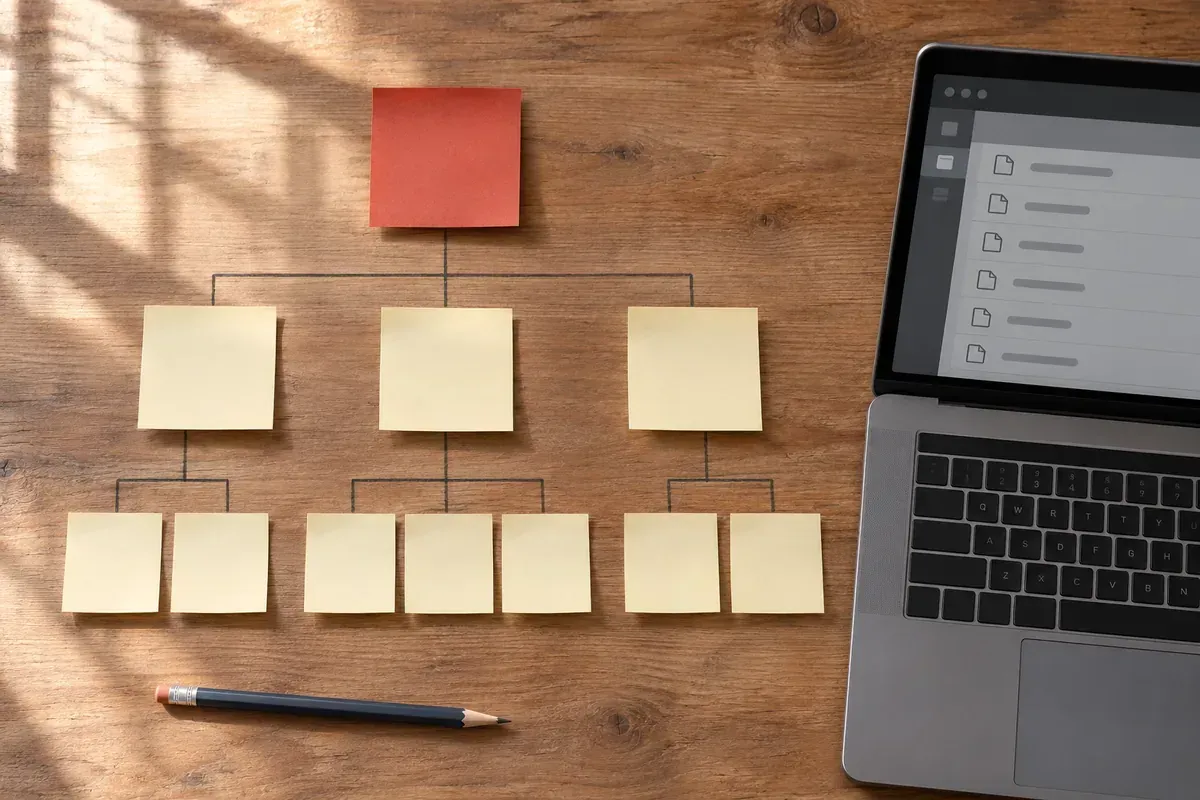
One way to do this is to create a folder. Click New Page and select Folder. A folder is not a page itself, but a way to easily create a hierarchy of one or more pages. The structure you create with folders shows up as a drop-down menu in your site's navigation. Next, simply drag a page under the folder and align it to the right, making a child of the folder above. You can undo this by dragging the page back to the left.
Another way to create sub-navigation is by dragging a page directly under another page. The difference here is that this way, the main page will also be a clickable option in your navigation menu.
Page settings
Finally, let's review page settings. All pages have settings that can be very useful. To access your page settings, click the gear menu. From there, you have the option to hide pages from the navigation based on the device, delete pages, set new pages as the home page, and configure page SEO settings.