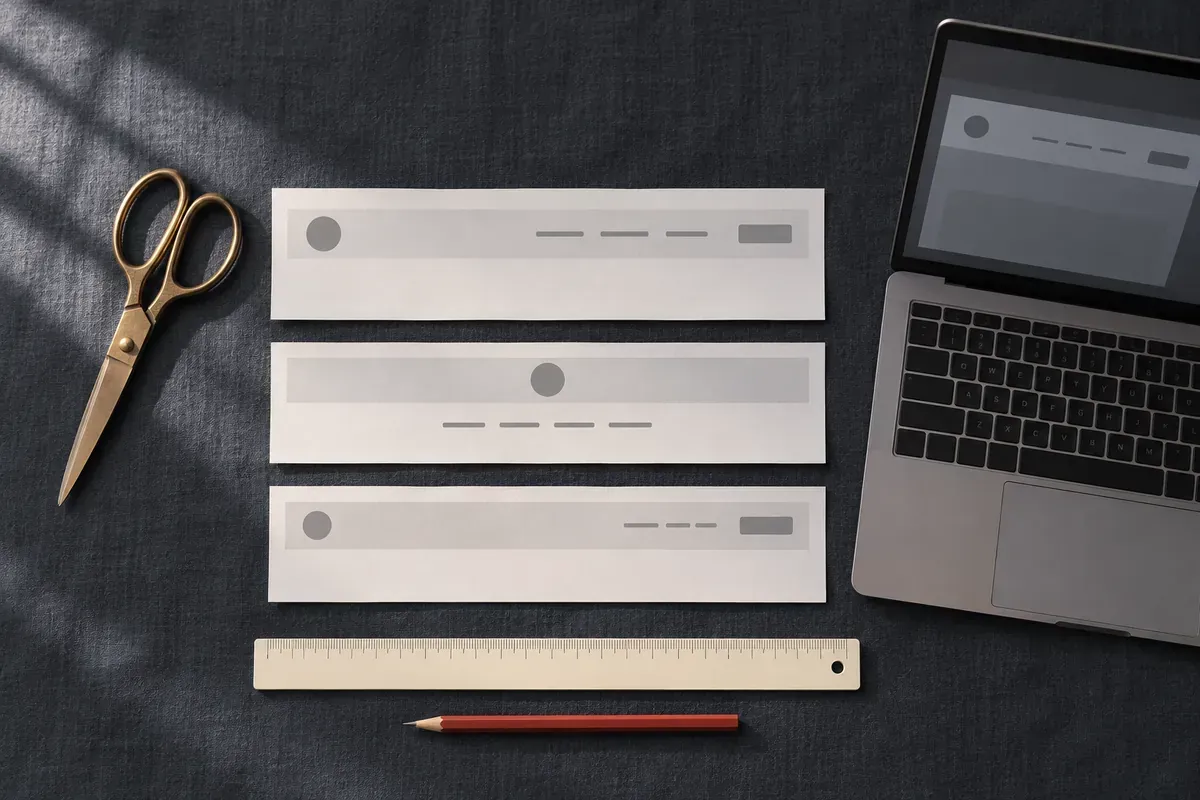
The header is the topmost part of your site.
Header basics
Anything you add to your header will be displayed on all pages of the site, which makes it the ideal place to add site-wide navigation. It has one row and columns within it that are used to add widgets. This is where you can add a logo, your business name, the navigation menu, social media icons, or even a button with a call to action.
Header design
Each widget used will offer a range of customisation options, but you can make some general edits to the header. Hover over the area and click on the header label that will appear. Click Design to choose a template and configure the background, colours, and spacing.
A great design option is to set the header to overlap the first row on the page. When activated, the content of the header will overlap the row just below. You can disable this option if you want to separate the header from the rest of the site's content.
Shrinking & sticky header
Another option is to create a shrinking header. This makes your header shrink as the user scrolls your site. You can choose a different logo size, background colour, and other options for your header to change to when it shrinks. If you disable this option, the header will not be displayed while scrolling.
But if you want your full header to always be visible when scrolling your site, disable the shrinking header by going to the Header menu and click Set as Sticky Header. Now your header will always be visible in the same way it was designed.
Mobile and tablet header design
Make sure to check how your header will look on tablet and mobile. You can choose to hide the header for any of these devices by going to the Header Edit menu and selecting that specific device. You can also change the header layout for different device types by going to the Design section, selecting Site Layout, and choosing the best layout for each of the display types.