At the top of the editor is the top navigation bar.
Top bar
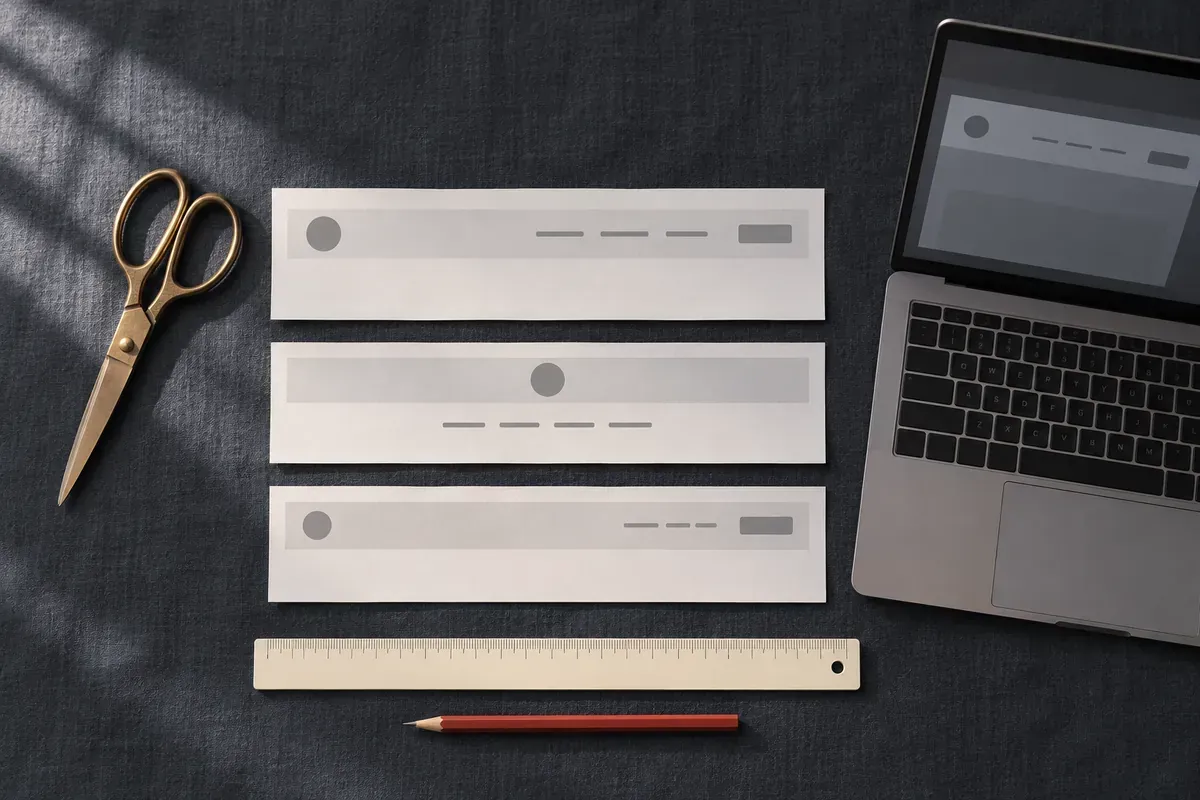
Here, you can quickly jump to other pages on your site, or change the view from desktop to tablet or mobile. It's important to remember that these are not separate websites, but instead are previews of how the same website will look on different devices.
On the right side of the top navigation bar, you can search the editor, view your site info and stats, undo your changes, open a preview of your site, publish and make your changes live, open the help centre, or go back to your site dashboard. There's also a developer mode button, if you ever want to edit the HTML and CSS directly.
Side panel
On the side panel, you can customise your site's global design settings, add, remove or reorder pages, drag and drop new widgets into your site, import and manage content, set up personalisation rules, add an e-commerce store, start a blog, open the app store, or adjust general site settings.
Content editor
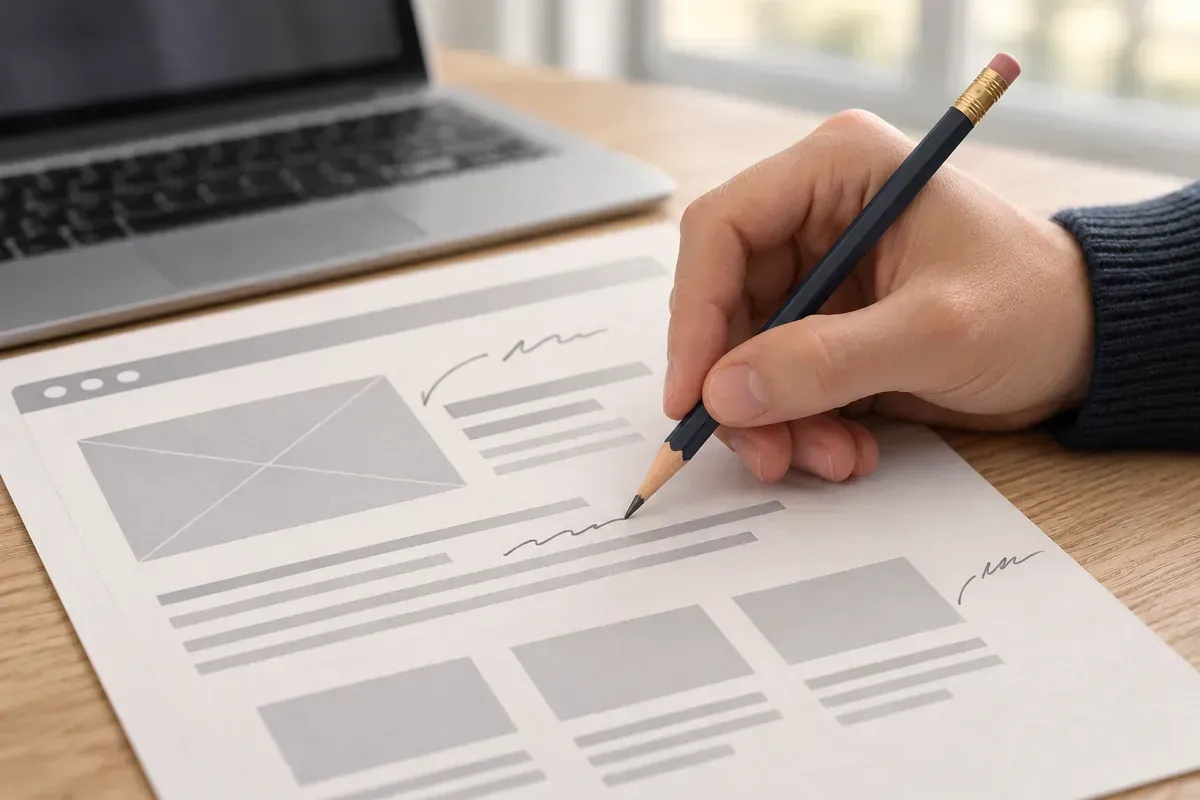
The content editor is here in the middle. With the proper permissions, you can edit just about everything here. You can drag and drop to move widgets around, or click on a widget to see its editing options.