Pages can be built by adding elements to rows and columns.
Basic structure
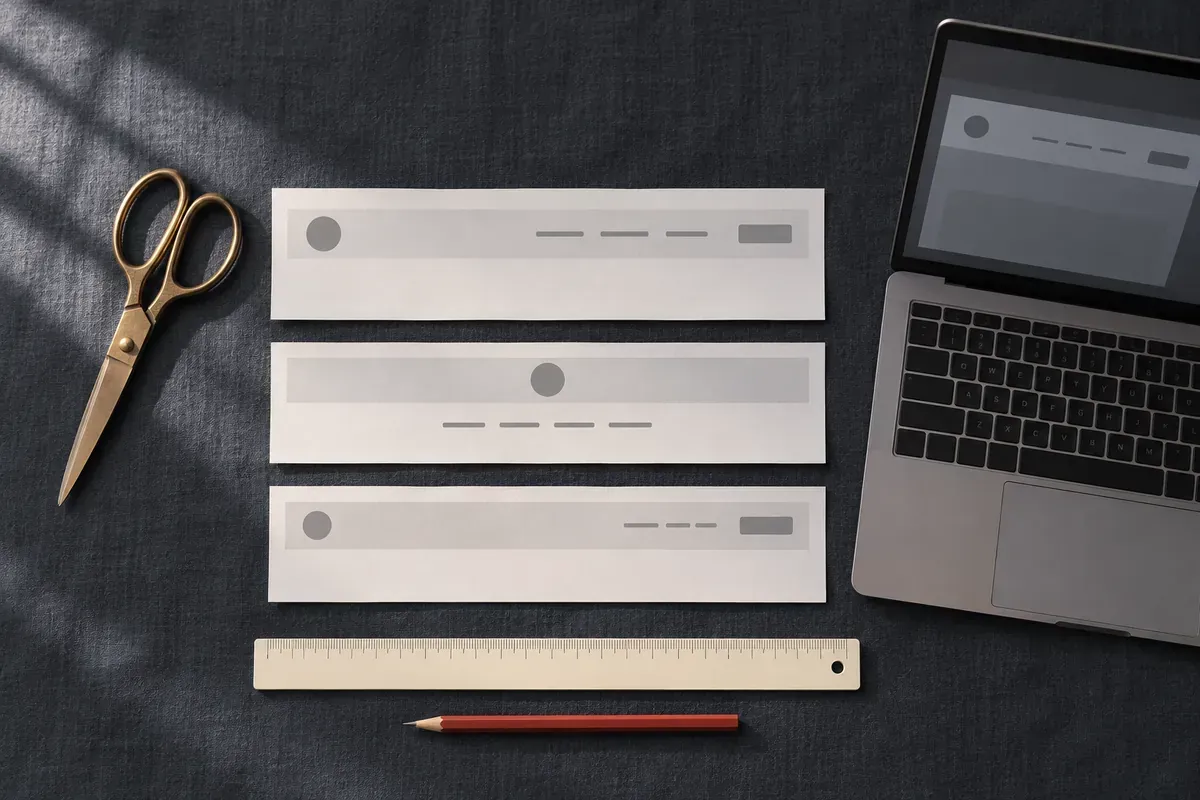
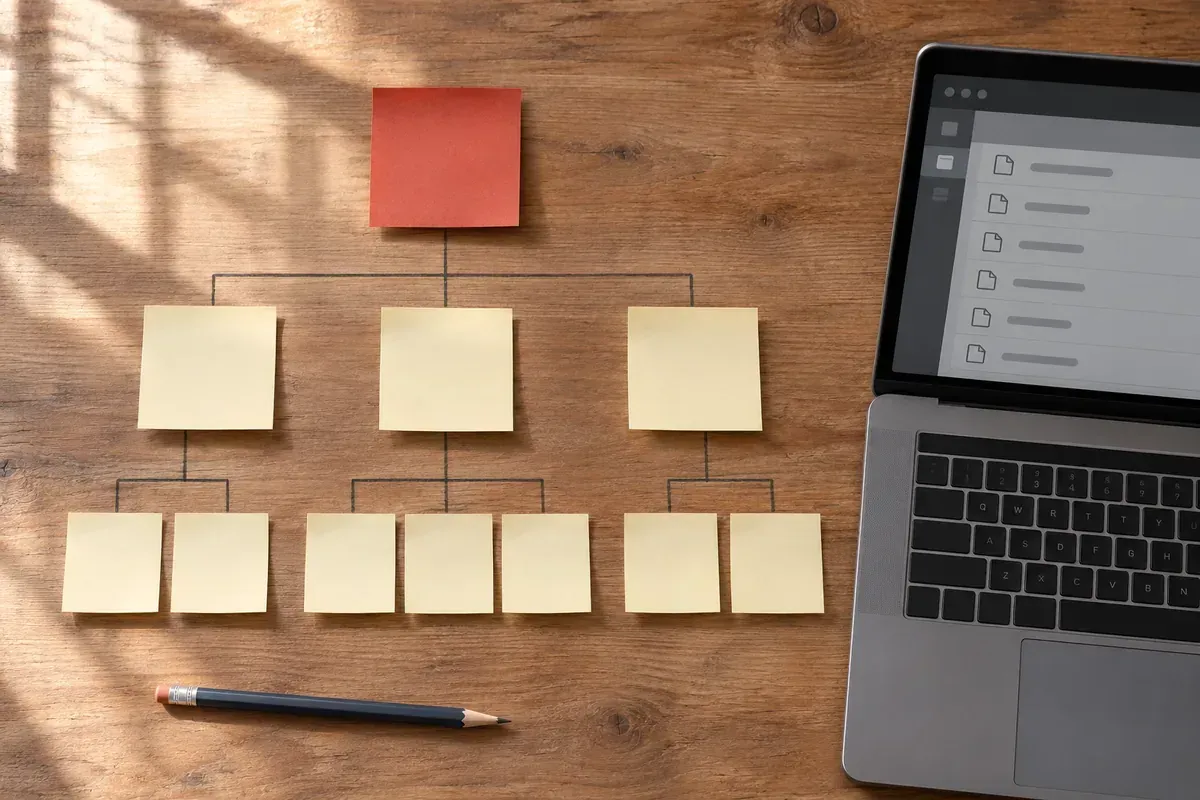
The columns are positioned side by side within a row, and the rows are positioned one above the other. This is the classic way to lay out a page, and it works for almost any site. You can also use the flex design tool to arrange a page's layout. When the site is accessed from a tablet or mobile device, the columns within a row will line up, usually stacking one on top of the other.
Mobile layout
The website editor optimises the layout for mobile and tablet, but you can also edit how pages appear on specific devices to make sure everything looks the way you want. You can change row positions by clicking on the row label and then clicking on the up or down arrow. You can also animate the row and hide the row on certain devices.
Adding, resizing and deleting a row or column
Using the add option, you can add a row above or below an entire section. To add columns within the row, click on the column option. You can add up to four columns inside a row.
You can resize a column by clicking on the marker between them and dragging. You can also change the size by clicking and dragging along the edges. You can only delete a column if it doesn't have any widgets in it already. If it is empty, click on the red X to completely delete it.
Adding widgets
Widgets are inserted within columns and can be easily moved by dragging and dropping in a different column. Each widget has different editing capabilities, but you can edit the layout of most of them by right-clicking the widget and selecting edit layout. You will have access to several design options such as colours, spacing, and background.