A navigation menu makes the user experience easier when navigating between pages.
Adding a navigation menu
Most of our sites already have a navigation menu, but if you want to add a new one or update the existing navigation menu, click Widget in the side panel. Type navigation links in the search bar to find the widget. Drag and drop the widget to where you want to insert it. Keep in mind that the ideal place to insert the navigation widget is inside the header or the footer of your site, so it will appear on all pages of your site without having to add it to each page individually.
You'll need to choose between displaying your site's pages or displaying custom links. Most of the time, you'll want the first option, so let's stick with that.
Changing the navigation menu design
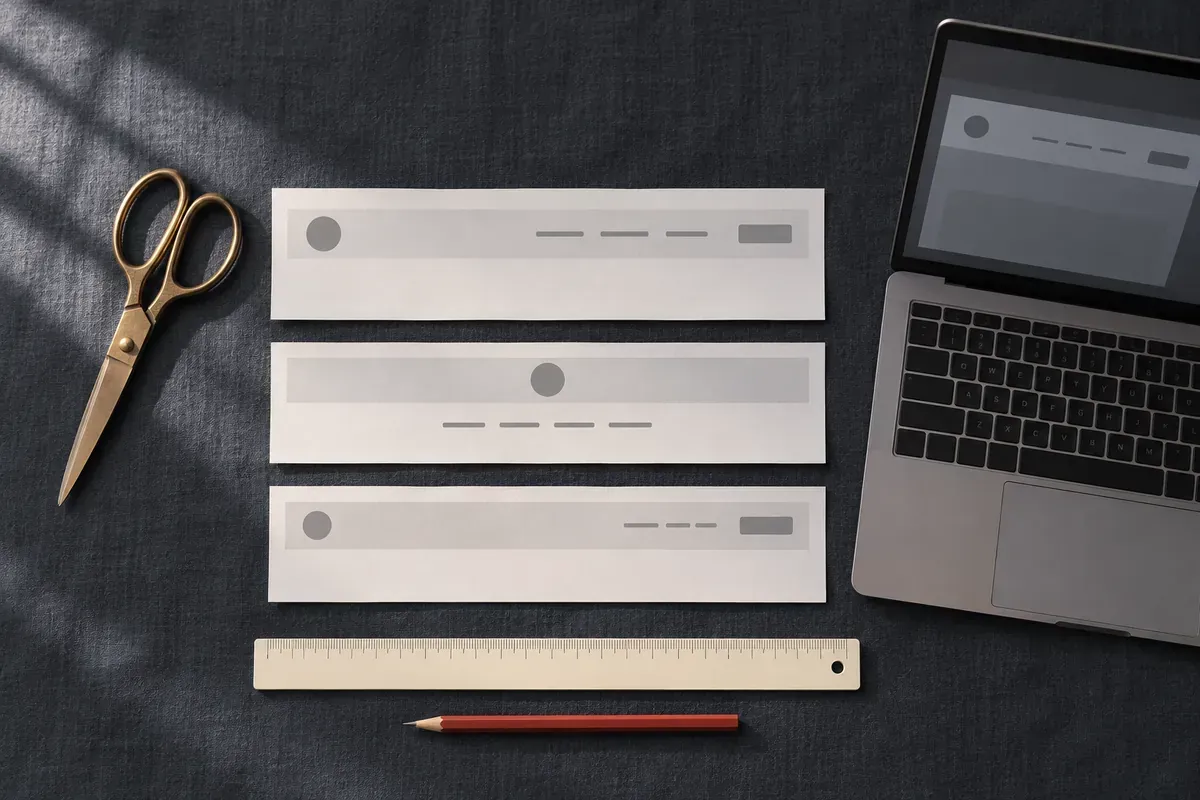
Click Design in the Edit menu to select the type of orientation and layout that best suits your site and configure several other options such as spacing between items, fonts, colours, and hover effects. You can also right-click to see other editing options. In addition to the other options already mentioned, you can change the menu alignment, hide the menu on a specific device, or delete it entirely.
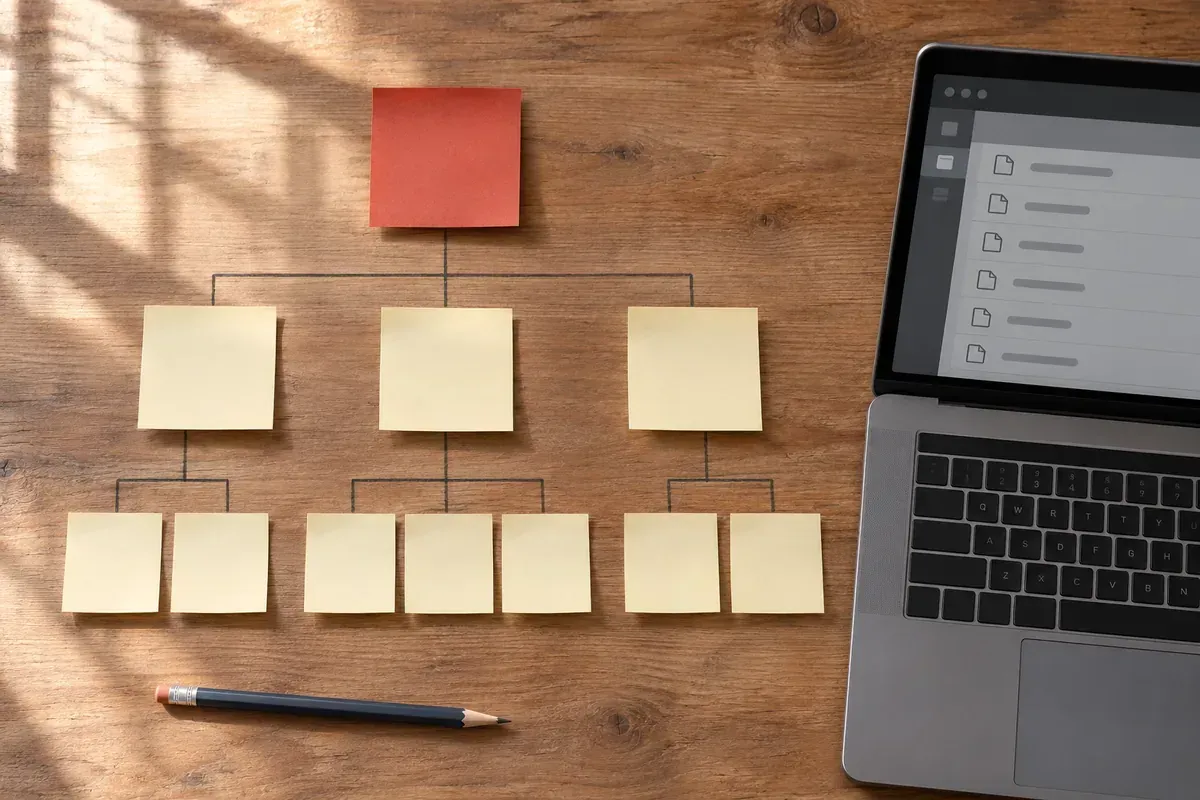
To choose a different navigation menu style for the mobile and tablet layouts, click Design and then click Site Layout. The pages displayed in the navigation menu can be found in the Pages panel.