
How to Build a Website in NZ: The Ultimate DIY Guide for Kiwis
Key Takeaways
- DIY website builders are an increasingly popular and affordable choice for New Zealand small businesses and individuals needing a professional online presence.
- Our 543 DIY website builder simplifies the process with user-friendly tools like a drag-and-drop editor, professional templates, and an integrated AI content generator.
- You can start building your website completely for free and only choose a paid hosting plan when you are ready to publish it to the world.
- To succeed online in 2025, your website should focus on modern design trends, including minimalism, mobile-friendliness, and web accessibility for all users.
- Getting started is easier than you think, with affordable plans designed for every stage of your business journey, from a single page to a full online store.
For many Kiwi small business owners, freelancers, and creatives, the thought of building a website can feel a bit daunting. Where do you even begin? The good news is that creating a professional, effective online presence is more accessible and affordable than ever before. You don't need to be a coding whiz or have a massive budget to get online and start connecting with customers.
The digital landscape in New Zealand is booming. In fact, the local web hosting market is growing so rapidly that it's projected to become a significant industry. According to recent data, New Zealand is expected to witness a significant rise in revenue within the Web Hosting market, reaching a projected amount of US$189.68m by 2025. This highlights just how vital an online presence has become for businesses of all sizes across Aotearoa.
This guide is here to walk you through everything you need to know about building your own website using a DIY (Do-It-Yourself) website builder. We'll show you how our platform at 543 makes it simple, and we'll share essential tips to ensure your new site is a success.
Why Choose a DIY Website Builder?
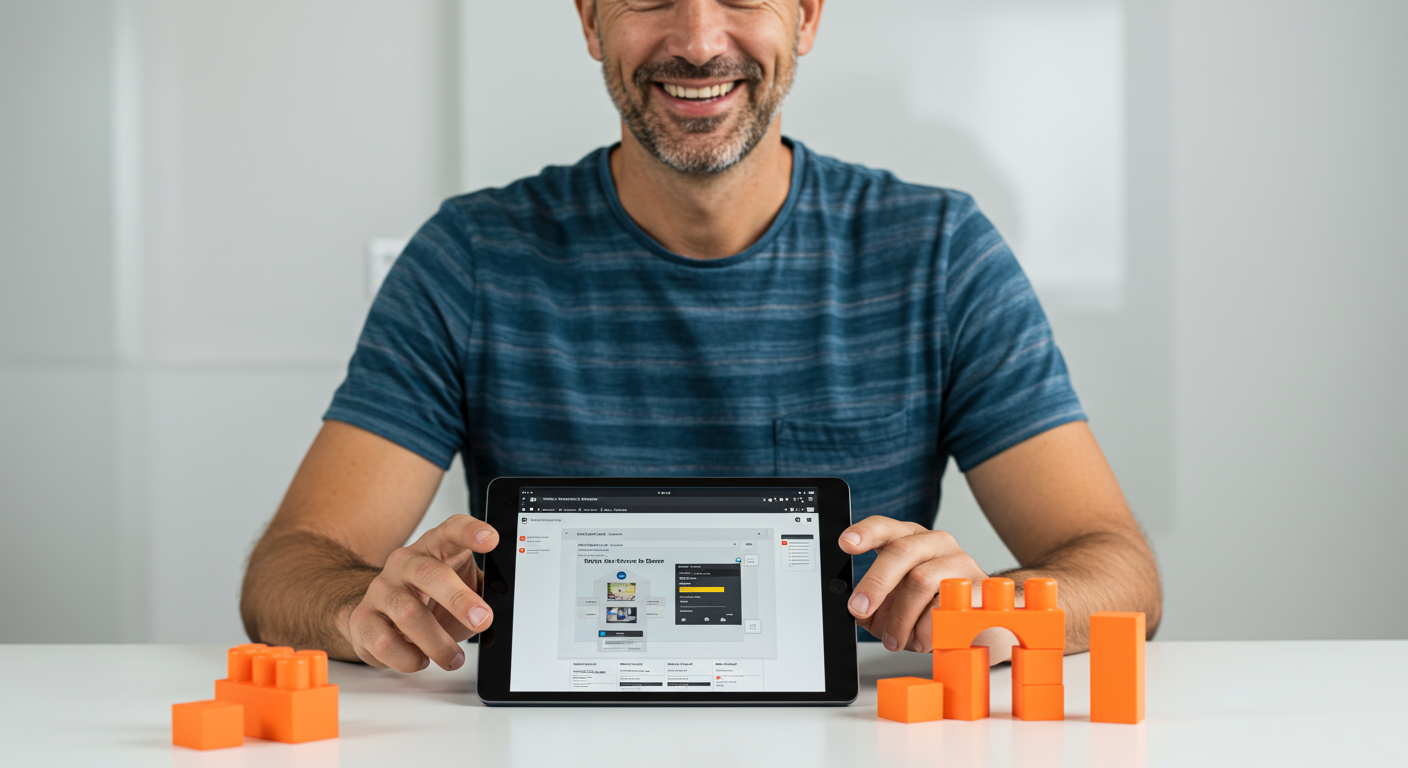
A DIY website builder is an online platform that allows you to create, design, and manage your own website without needing to write a single line of code. Think of it as a set of digital building blocks. You get all the pieces you need—templates, text boxes, image galleries, and more—and you simply arrange them to create your finished site. For many Kiwis, this approach offers the perfect balance of control, affordability, and professional results.
DIY vs. Professional Web Design: Which is Right for You?
Making the choice between a DIY platform and hiring a professional web designer often comes down to three things: budget, time, and your specific needs. Let's break it down.
A DIY website builder is likely your best bet if:
- You're on a tight budget: This is the most cost-effective way to get a professional-looking site online.
- You want to launch quickly: You can have a simple site live in a matter of hours or days, not weeks or months.
- You want full control: You can make updates, change text, or add new photos whenever you like, without having to contact and pay a developer.
Hiring a professional web designer might be a better fit if:
- You have highly specific or complex needs: Things like custom databases or unique functionalities may require a developer's touch.
- You have a larger budget: Professional design is an investment, with costs typically running into the thousands.
- You're short on time: Outsourcing the project frees you up to focus on other areas of your business.
For the vast majority of small businesses, startups, and individuals, a modern DIY builder provides all the power and flexibility needed to create a stunning and effective website.
How to Build Your Website with 543: A Step-by-Step Guide
We've designed our platform to be as intuitive and user-friendly as possible. Here’s a simple breakdown of how you can bring your website to life with 543.
Step 1: Choose Your Template
The foundation of any great website is a solid design. We offer a wide range of professionally designed templates built for various industries. Whether you're a builder, a cafe owner, a consultant, or an artist, you'll find a starting point that fits your style. Every template is fully responsive, meaning it will automatically look great on desktops, tablets, and smartphones.
Step 2: Customise Your Design with the Drag-and-Drop Editor
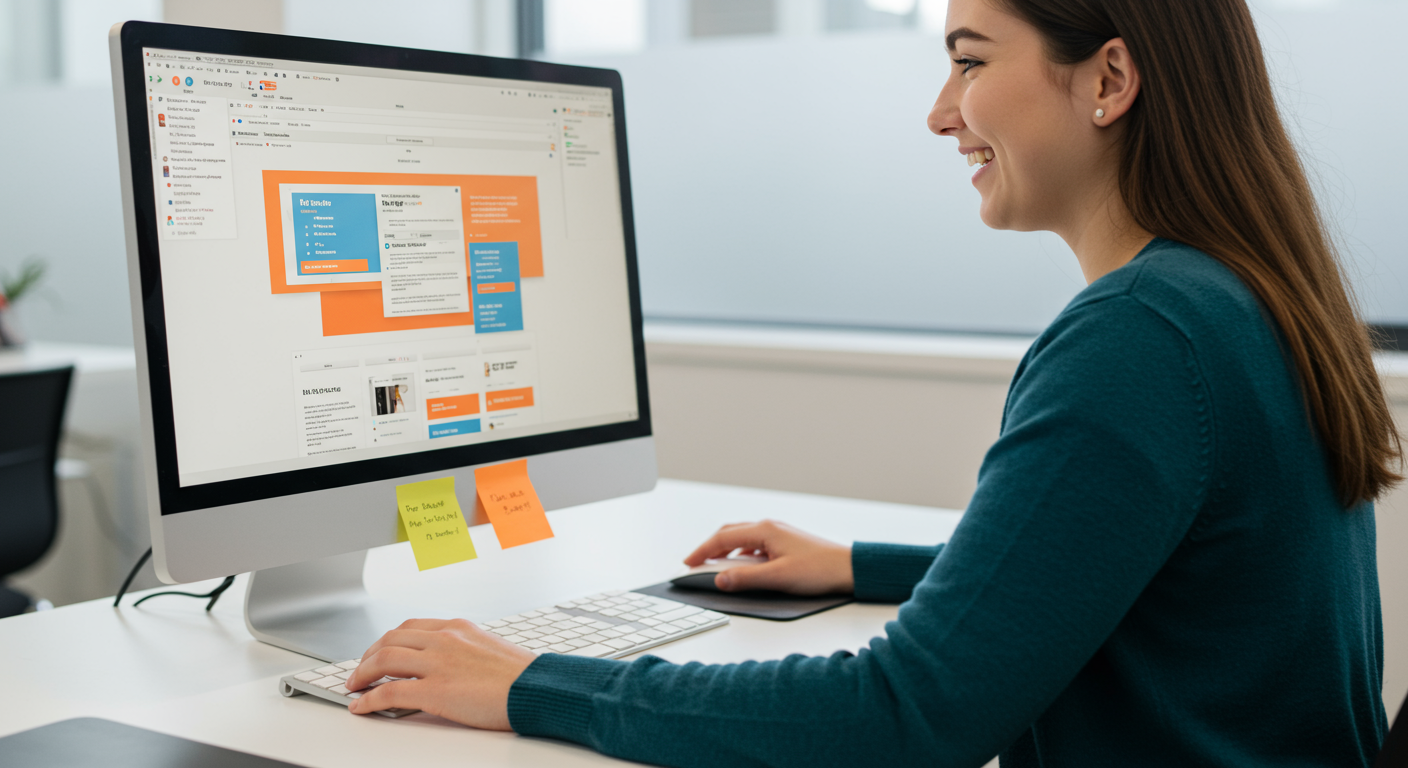
This is where the magic happens. Our drag-and-drop editor lets you move elements around the page, change colours, update fonts, and upload your own logo and images with a few clicks. You can see your changes in real-time, so you always know exactly what your visitors will see. It’s a completely visual process—no technical skills required.
Step 3: Create Compelling Content (with a little help from AI)
Writing the text for your website can sometimes be the trickiest part. What should you say on your homepage? How do you describe your services? We’ve built a tool to help with that. Our AI Content Assistant is a powerful feature that helps you overcome writer's block. It can help you generate titles, paragraph text, SEO titles and descriptions, and even alt tags for your images, saving you hours of time and effort.
Step 4: Add Your Essential Pages
Most great websites have a few core pages. We recommend starting with these four:
- Home: Your digital front door. It should quickly explain who you are and what you do.
- About: Share your story. This is where you connect with your audience on a personal level.
- Services/Products: Clearly detail what you offer and why it's valuable.
- Contact: Make it easy for people to get in touch with you. Include a contact form, phone number, and address if you have a physical location.
Step 5: Review and Go Live!
Once you're happy with your design and content, give everything a final check. Read through your text, test your contact form, and make sure your images look sharp. The best part? With our platform, the entire building process is free. You can experiment and perfect your site without any pressure. You only start paying the monthly hosting fee when you are ready to make your site live. Start building your site for free today!
Essential Tips for a Successful Website
Building the site is just the first step. To make sure it works hard for your business, keep these key principles in mind.
Embrace Modern Design Principles
In 2025, website design is all about clean, minimalist layouts and clear functionality. Less is often more. Beyond aesthetics, it's crucial to ensure your website is accessible to everyone. As one local design expert notes, "Web accessibility is no longer optional. Designers are prioritising inclusivity, ensuring websites work for everyone, regardless of ability." This means using clear, readable fonts, providing alternative text for images (which our AI assistant can help with!), and ensuring your site is easy to navigate.
Nail Your On-Page SEO
SEO, or Search Engine Optimisation , is the practice of helping your website show up on search engines like Google when people search for what you offer. You can start with the basics right inside our builder. Use relevant keywords in your page titles and descriptions, and make sure your content genuinely answers the questions your potential customers are asking. This helps Google understand what your site is about and show it to the right people.
Write for Your Audience
Always remember who you're talking to. Use a friendly, natural tone of voice. Instead of just listing features, focus on the benefits. How does your product or service make your customer's life better or easier? When you focus on being helpful, you build trust and turn visitors into loyal customers.
Affordable Pricing for Every Kiwi Business
We believe that every business in New Zealand deserves a powerful online presence, regardless of its size or budget. That's why we've created clear, affordable pricing plans to support you as you grow. Our DIY plans are designed to be accessible, with options starting from just $19 per month.
Here’s a quick look at our popular DIY plans:
- AI Generated One Page: $19/month – Perfect for getting a simple, professional web presence online fast.
- Starter Website: $35/month – Ideal for small businesses needing multiple pages like About, Services, and Contact.
- Online Store: $55/month – Everything you need to start selling products online, with secure payments and inventory management.
Ready to Build Your Online Presence?
Getting your business online doesn't have to be complicated or expensive. With the right tools and a little guidance, you have the power to create a beautiful, functional website that helps you grow.
Our mission is to empower Kiwis just like you with an easy-to-use platform, backed by a friendly, local support team if you ever need a hand. Why wait? Start building your professional website for free and see how simple it can be to get your Kiwi business online.